






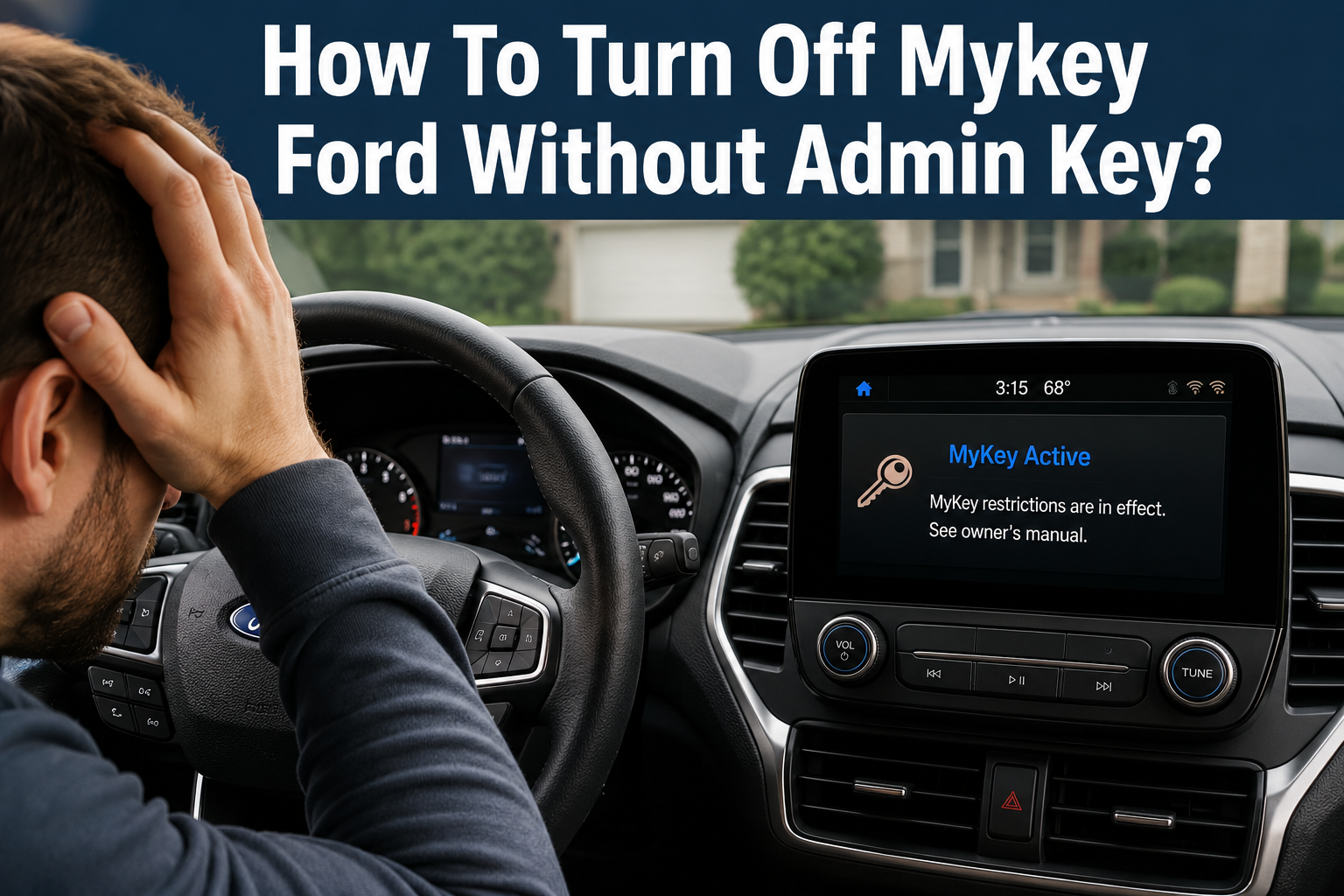
If you own a Ford vehicle and have ever been locked out of certain features like limited speed, capped radio volume, or constant seatbelt reminders, there is a good chance your car has the MyKey system activated. Many drivers eventually ask the same question: how to turn off Mykey Ford without admin key? This is a common situation, especially for people who bought a used Ford, borrowed a vehicle from a family member, or simply misplaced their original administrator key over time.
This guide walks you through everything you need to know about the MyKey system, why it cannot be switched off without proper authorization, and what real, working solutions actually exist. By the end of this article, you will have a clear understanding of your options and how to move forward without wasting time or money on tricks that do not work.
Understanding Ford MyKey System
Before jumping into solutions, it helps to understand what MyKey actually is and why Ford built it the way they did.
What Is an Admin Key vs. a MyKey?
Ford vehicles equipped with the MyKey feature come with two types of keys that work together in a specific hierarchy.
The admin key, sometimes called the master key, has full control over the vehicle. It can create new MyKeys, change restrictions, and completely erase MyKey settings whenever needed. Think of it as the “master password” of your car.
The MyKey, on the other hand, is a secondary key that is programmed with restrictions. It is often handed to a teenage driver, a valet, or anyone the owner wants to place limits on. A MyKey cannot remove its own restrictions or override the settings created by the admin key.
This separation exists on purpose. If a regular MyKey could disable its own limits, the entire safety feature would be pointless.
How MyKey Restricts Vehicle Features
Once MyKey mode is activated using the admin key, the vehicle can apply several built-in restrictions. Some of the most common ones include:
- A maximum top speed limit, often adjustable up to a certain threshold
- A capped audio volume so the radio cannot be turned up beyond a set point
- Persistent seatbelt reminder chimes that will not stop until the belt is fastened
- Early low-fuel warnings so the driver refuels sooner than usual
- Traction control that cannot be turned off
- Blocked access to certain infotainment settings
These restrictions stay locked in place until someone with the admin key manually removes them.
Why Ford Designed MyKey This Way
Ford created MyKey primarily as a safety tool for parents of new drivers and for business owners who lend vehicles to employees. The idea is simple: whoever holds the admin key decides the rules, and whoever drives with the MyKey has to follow them. This design intentionally prevents a MyKey holder from disabling restrictions on their own, since that would defeat the entire purpose of the feature.
Why You Can’t Turn Off MyKey Without the Admin Key
This is the part most people want a shortcut around, but understanding the reasoning makes it easier to accept the official process.
Built-in Security Design
MyKey settings are stored in the vehicle’s onboard computer and are cryptographically tied to the admin key’s identification. Without that specific key being read by the vehicle’s system, there is no internal command that allows a MyKey to erase or bypass its own restrictions. This is not a software oversight; it is a deliberate lock built into the vehicle’s programming.
What Happens If You Try Common Tricks
Many drivers search online for shortcuts like disconnecting the battery, holding down certain buttons, or using a generic OBD2 scanner. Unfortunately, none of these approaches work on genuine Ford MyKey systems.
Disconnecting the battery may reset the clock or some minor settings, but MyKey data is stored in non-volatile memory, meaning it survives a power disconnect. Generic diagnostic tools available to consumers also do not have the manufacturer-level access required to touch MyKey programming.
Common Myths Debunked
| Myth | Reality |
|---|---|
| Disconnecting the battery clears MyKey | MyKey data is stored in permanent memory and survives power loss |
| A generic OBD2 scanner can remove MyKey | Only dealer-level tools like Ford IDS have this access |
| Holding the key fob buttons in a certain order resets it | No such combination exists in Ford’s official documentation |
| Any locksmith can do it instantly without proof of ownership | Reputable locksmiths require ownership verification before touching key systems |
Signs You’re Dealing With a MyKey-Restricted Vehicle
If you are unsure whether your car actually has MyKey enabled, there are a few noticeable clues.
Dashboard Warnings
When a MyKey is inserted, the instrument cluster usually displays a small message or icon confirming that MyKey mode is active.
Speed and Volume Limitations
If your car will not accelerate past a certain speed no matter how hard you press the pedal, or the radio volume has a strange low ceiling, MyKey is very likely the cause.
Chime Alerts
An unusually persistent seatbelt chime that continues far longer than normal is another strong indicator that MyKey restrictions are in place.
Legitimate Ways to Remove MyKey Without the Original Admin Key
Now to the part everyone is really here for. If you do not have the admin key, here are the realistic, working paths forward.
Method 1: Visit a Ford Dealership
This is the most straightforward and reliable option. A Ford dealership can look up your vehicle using the VIN, confirm ownership, and either reprogram a new admin key or clear the MyKey settings entirely using their factory diagnostic equipment.
What you typically need to bring:
- Valid government-issued photo identification
- Proof of vehicle ownership, such as the title or registration
- The vehicle itself, since physical access is required
Method 2: All-Keys-Lost Reprogramming
If you have lost every key to the vehicle, including any admin key, dealerships and specialized locksmiths can perform what is known as an “all-keys-lost” procedure. This process erases all existing key data from the car’s module and programs a brand-new set of keys, including a fresh admin key. Once that is done, clearing MyKey becomes simple because you now hold full administrative control again.
This method uses Ford’s official diagnostic software, commonly referred to as Ford IDS, which is only available to authorized dealers and certain licensed locksmith professionals.
Method 3: Certified Locksmith Assistance
Automotive locksmiths who specialize in Ford vehicles can often perform the same reprogramming as a dealership, sometimes at a lower cost and with faster turnaround. When choosing this route, look for a locksmith who is experienced specifically with Ford key systems and who will ask for proof of ownership before doing any work. A trustworthy professional will never bypass this verification step, since it protects both the shop and the vehicle owner.
Step-by-Step: What Happens During Dealer or Locksmith Reprogramming
Understanding the process can help set expectations before you arrive for service.
- Vehicle and Identity Verification – The technician confirms the VIN matches your registration or title and checks your identification.
- Diagnostic Connection – The vehicle is connected to Ford’s official diagnostic system through the onboard diagnostic port.
- Key Data Review – The technician reviews how many keys are currently registered and whether MyKey restrictions are active.
- Erasing Old Key Data – If needed, all previous key programming is wiped from the vehicle’s memory.
- Programming New Keys – A new admin key, and additional MyKeys if requested, are programmed into the system.
- Clearing MyKey Restrictions – With admin access restored, the technician removes any active MyKey limitations.
- Test Drive or Function Check – A quick check confirms that speed, volume, and chime settings have returned to normal.
Cost Breakdown
Costs can vary depending on your location, the dealership, and whether you need new keys made or simply want MyKey cleared using an existing admin key.
| Service Type | Estimated Cost Range |
|---|---|
| Clearing MyKey with existing admin key present | Low cost, often a quick in-and-out service |
| Programming one replacement admin key | Moderate cost, varies by dealership |
| All-keys-lost reprogramming (no keys available) | Highest cost, since new keys and full reprogramming are required |
| Independent automotive locksmith service | Often slightly cheaper than dealership, but varies by region |
It is always a good idea to call ahead and ask for a quote, since pricing differs based on your specific Ford model and year.
How to Avoid This Problem in the Future
Once your MyKey issue is resolved, a little preparation can save you from running into the same headache again.
- Keep the admin key in a safe, memorable location separate from everyday MyKeys
- Register a spare admin key with the dealership at the time of purchase if possible
- Write down and store your VIN along with any key programming codes in a secure place
- Label your keys clearly so family members or employees know which one is the admin key and which ones are restricted MyKeys
- Avoid handing out the admin key for daily use; reserve it strictly for changing settings
Frequently Asked Questions
Can I reset MyKey using the vehicle’s settings menu? No. The settings menu only allows changes when an admin key is currently inserted in the ignition. A MyKey alone cannot access these settings.
Does disconnecting the car battery remove MyKey? No. MyKey information is saved in permanent memory that is not affected by a loss of power.
Can a basic OBD2 scanner bypass MyKey? No. Consumer-grade scanners do not have the manufacturer-level access required to alter MyKey programming. Only professional tools like Ford IDS, used by dealers and licensed locksmiths, can perform this task.
How long does dealership reprogramming usually take? Simple MyKey clearing with an existing admin key can take well under an hour. All-keys-lost reprogramming, where new keys must be created, can take longer depending on the shop’s schedule.
Will clearing MyKey affect any other vehicle settings? Generally no. Clearing MyKey only removes the speed, volume, and related restrictions tied to that specific key. Other vehicle settings such as seat memory or climate preferences remain unaffected.
Is it possible to do this myself at home? Unfortunately, no consumer method currently exists to safely and officially remove MyKey without proper dealership or locksmith equipment. Attempting unofficial workarounds risks damaging the vehicle’s electronic modules.
Conclusion
So, how to turn off Mykey Ford without admin key? The honest answer is that there is no shortcut, hidden button combination, or home trick that works on a genuine Ford MyKey system. The feature is intentionally designed to only respond to the admin key, and that design is what makes it a reliable safety tool in the first place.
The good news is that the official solutions are simple and accessible. Visiting a Ford dealership, using an all-keys-lost reprogramming service, or working with a certified automotive locksmith are all realistic ways to regain full control of your vehicle. As long as you can prove ownership, the process is usually quick and straightforward.
Once resolved, take a few simple precautions, such as storing your admin key safely and keeping your VIN information on hand, so you never have to deal with this inconvenience again.
Related Articles
How Much Does a Ford F150 Weigh? Full Weight Guide by Trim, Cab & Engine
Is Ford American Made? The Complete Truth About Ford’s Manufacturing
How To Change Battery In Ford Key Fob? Easy Step-by-Step Guide